Your ArcGIS Pro essentials
To help you confidently get started with ArcGIS Pro, we’ve compiled a collection of onboarding materials and self‑guided learning modules. Bookmark this page and return anytime as you continue your ArcGIS Pro journey.
Before you get started, check that your system meets the minimum requirements to run ArcGIS Pro effectively using the resources below:
- Performance assessment tool: A set of tests to assess your computer's ability to run key ArcGIS Pro workflows.
- ArcGIS Pro system requirements: Ensure your system meets the minimum requirements to run ArcGIS Pro.
- Run a tech check: Start a diagnostic check on your device to find out if it can run ArcGIS Pro.
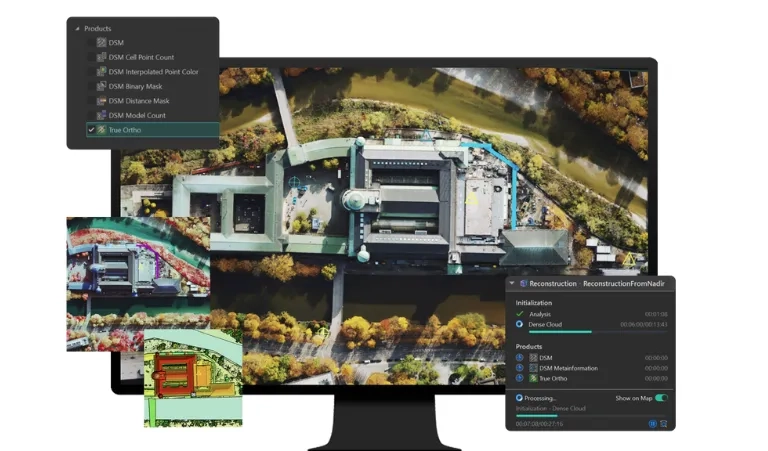
Learn the basics and explore the main components of the interface.
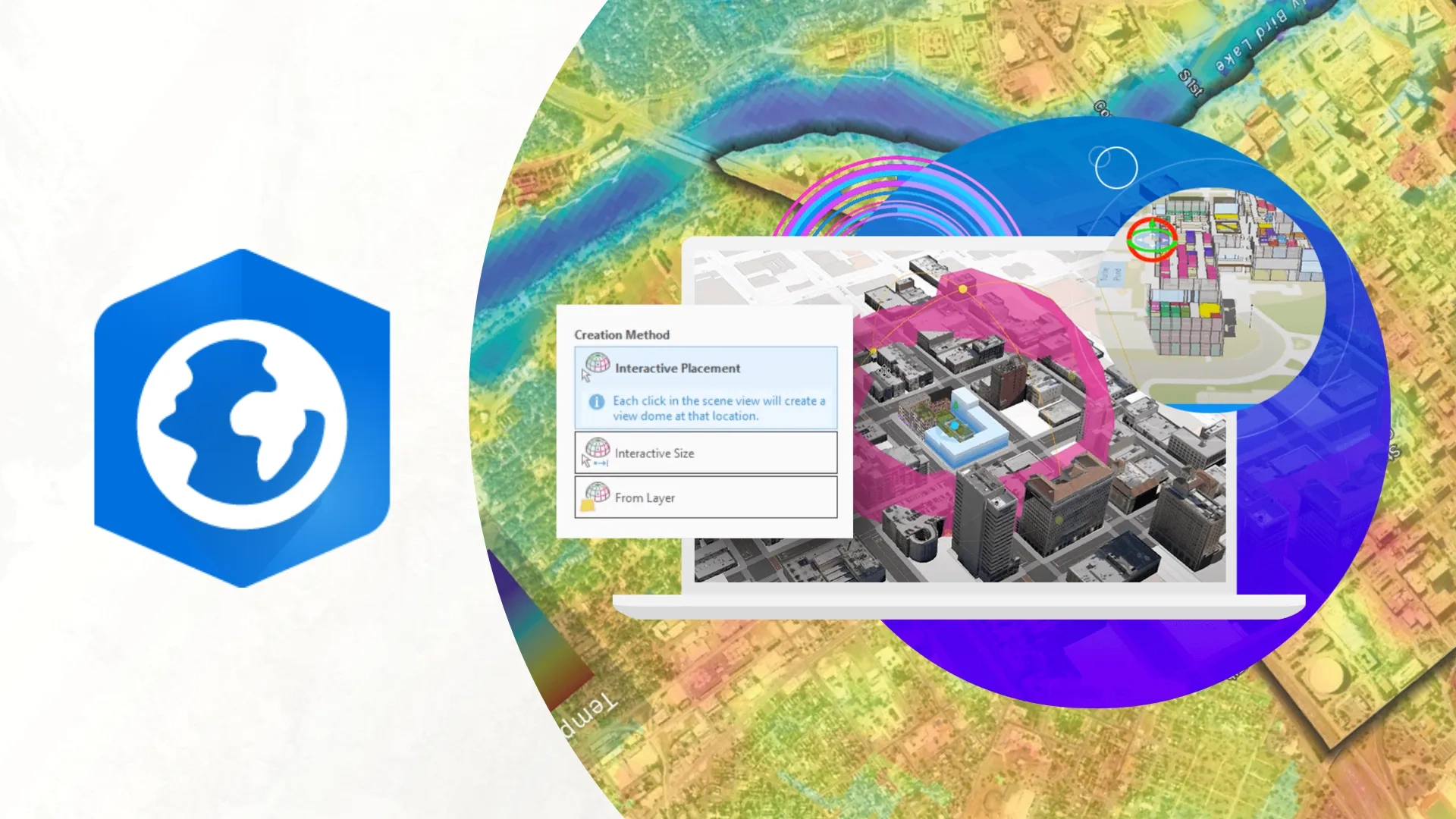
Level up your GIS skills with user-type pathways and the Capability Matrix to find the training that fits your needs.

Looking for more resources? Get in touch with our training consultants to develop a customised program that meets your specific requirements.
Explore ArcGIS Pro
Discover what ArcGIS Pro can do today, and what’s coming next.